Vehicle Maintenance
Fleet maintenance software that remembers the next service for you
Log the service once, set the next one by date or kilometres, and get told before it is overdue.
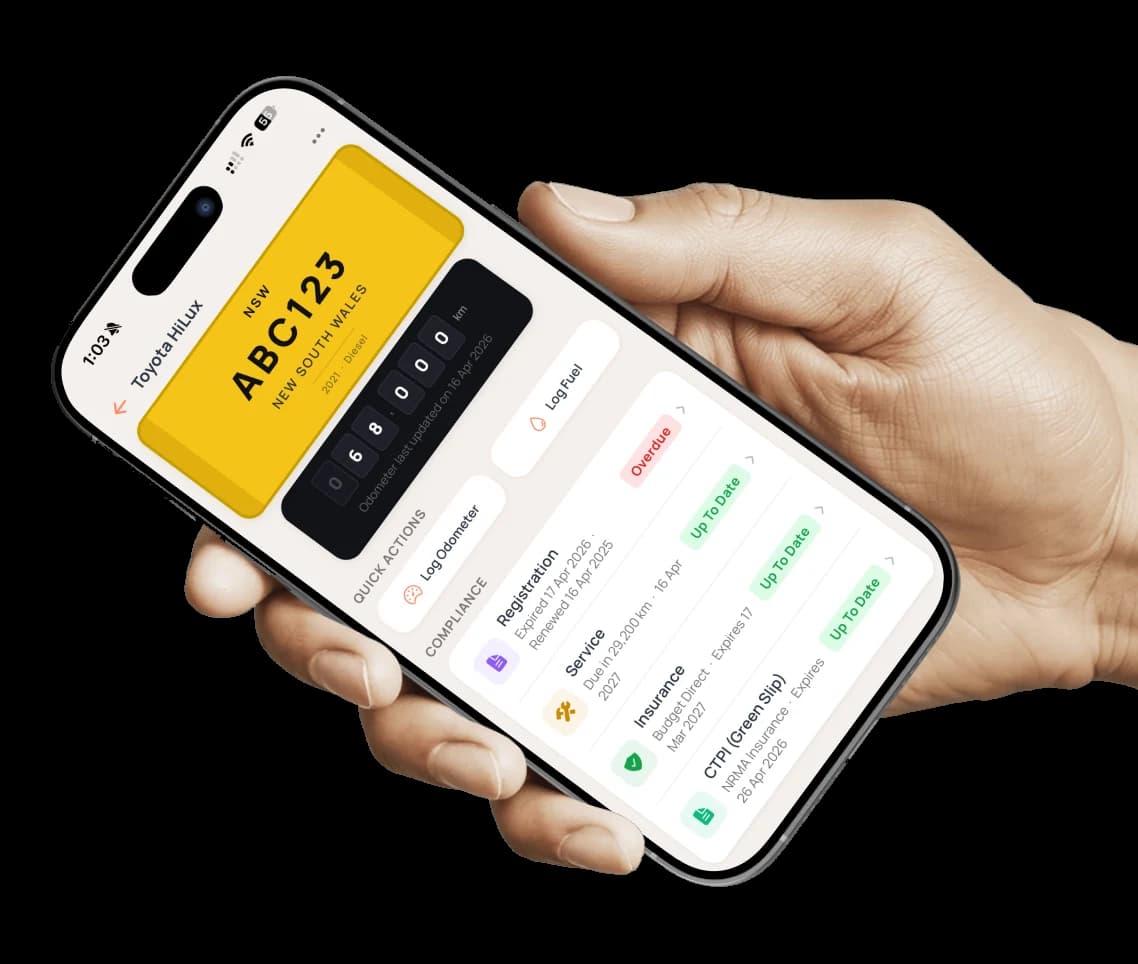
Axlerun does not run a workshop. It holds what comes back from one: what was done, what it cost, at what odometer, with the invoice attached, and when the next service is due. That due date, or due distance, is what turns a service history into a reminder. Every vehicle shows its service status at a glance, the whole fleet shows in one list, and on Cruise the alert reaches you while there is still time to book the van in.
Available on
 Drive· service records, free
 Cruise & Turbo· alerts + running costs
What you get
The whole service, on one record
Date, category, service type, amount, odometer, vendor, invoice number and a description of the work, with the invoice or receipt attached. Scheduled servicing and ad hoc repairs are kept apart.
Next service by date, kilometres, or both
Set the next service when you log the last one. A highway van and a suburban callout van do not share an interval, so each vehicle gets its own, in whichever unit fits how it is used.
Reminders you tune
Three reminder points by date and three by distance, so a vehicle can warn you at 1,000, 500 and 200 kilometres before the service is due, and again on the dates you choose.
One list for the fleet
The fleet Service view reads every vehicle at a glance: next service in so many days, service overdue, or no service on file for anything that has never been logged.
Odometer readings that stay honest
Type a reading or photograph the dashboard. Axlerun refuses a reading that goes backwards or further than the vehicle could have travelled, so service intervals are measured from real numbers.
It lands in the vehicle's costs
On Cruise, every service amount rolls into that vehicle's three, six and twelve-month running costs beside fuel, tolls and fines, so the expensive van is a number rather than a hunch.
How it works
STEP 1
Log the service
From the vehicle's Manage grid: date, category, type, amount and odometer, then the vendor, the invoice number and what was done. Attach the invoice.
STEP 2
Set the next one
Fill in the next service date, the next service odometer, or both. That is what drives the countdown and the reminder.
STEP 3
Act on the alert
On Cruise, the Alerts tab groups what is overdue, what is due in the next 30 days and what is missing a record. Acknowledge it or snooze it, then log the service when it is done.
See how it fits the rest of the platform on the Features & Pricing page.
Related
Common questions
About Vehicle Maintenance
Still have questions?
Contact
Available Now
Start managing your
fleet today
Your first 3 vehicles are free, forever.


Already a customer? Sign in on the web
app.axlerun.com.au