AI Document Scanning
Snap a receipt. Skip the data entry.
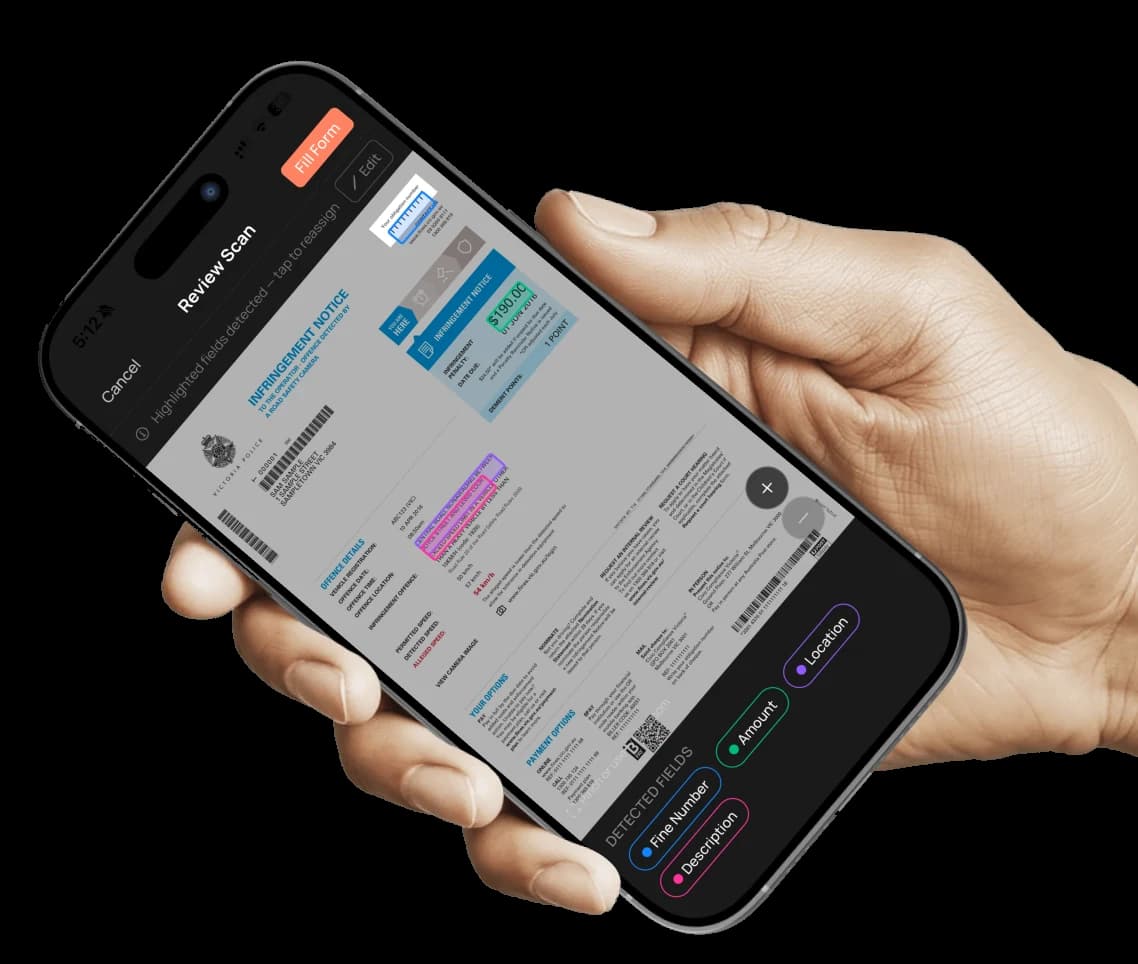
Photograph fuel receipts, fine notices and odometers. Axlerun reads them and fills the records for you.
Clean records win audits and tax time, but nobody has time to type in every servo receipt. On Turbo, you photograph the document and Axlerun's AI extracts the amounts, dates and readings straight into the right vehicle's records. Fewer errors, less admin, books that stay clean by themselves.
Available on
 Turbo
Turbo
What you get
Fuel receipts
Litres, price and total captured from a photo, matched to the vehicle and added to fuel records.
Fine notices
Snap the notice; the amount, date and due date land against the right vehicle and driver.
Odometer photos
Photograph the dash and the reading is logged, keeping service intervals and logbooks accurate.
How it works
STEP 1
Photograph the document
Receipt, fine or odometer, straight from the phone camera.
STEP 2
AI extracts the details
Amounts, dates and readings are read and filled automatically.
STEP 3
Review and save
Confirm the record, done in seconds, filed against the right vehicle.
See how it fits the rest of the platform on the Features & Pricing page.

Available Now
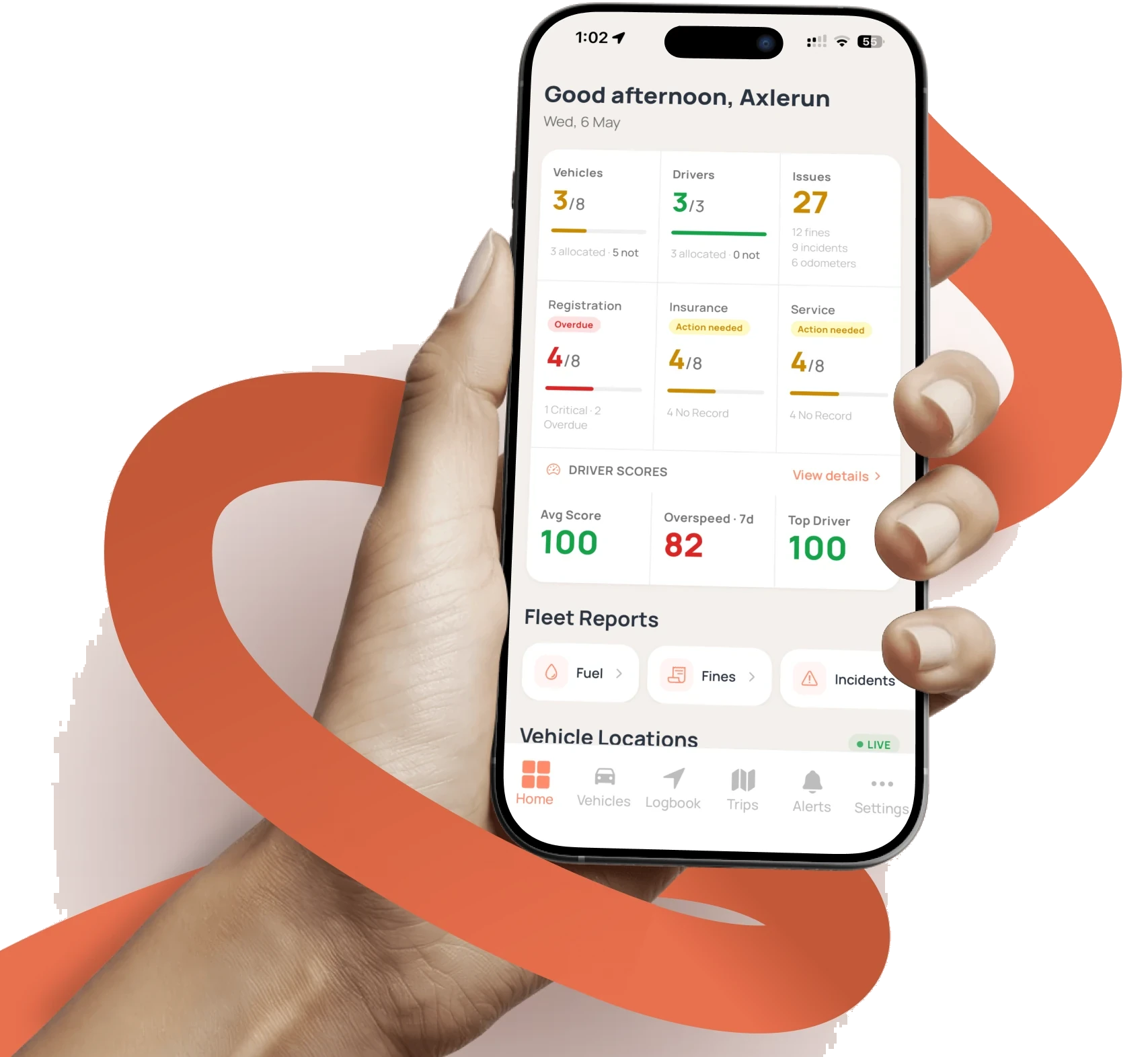
Start managing your
fleet today
Your first 3 vehicles are free, forever.


Already a customer? Sign in on the web
app.axlerun.com.au