


Larger Fleets
A bigger fleet, and still nothing to install
Sites, cost centres, leases, pool bookings and fleet-wide reporting, running on the phones your drivers already carry.
What makes Axlerun work at scale is what makes it work for a couple of vans: there is no hardware, so every vehicle you add is a phone the driver already carries rather than an installer appointment. What changes further up is structure, and the three things below are what that means in practice.
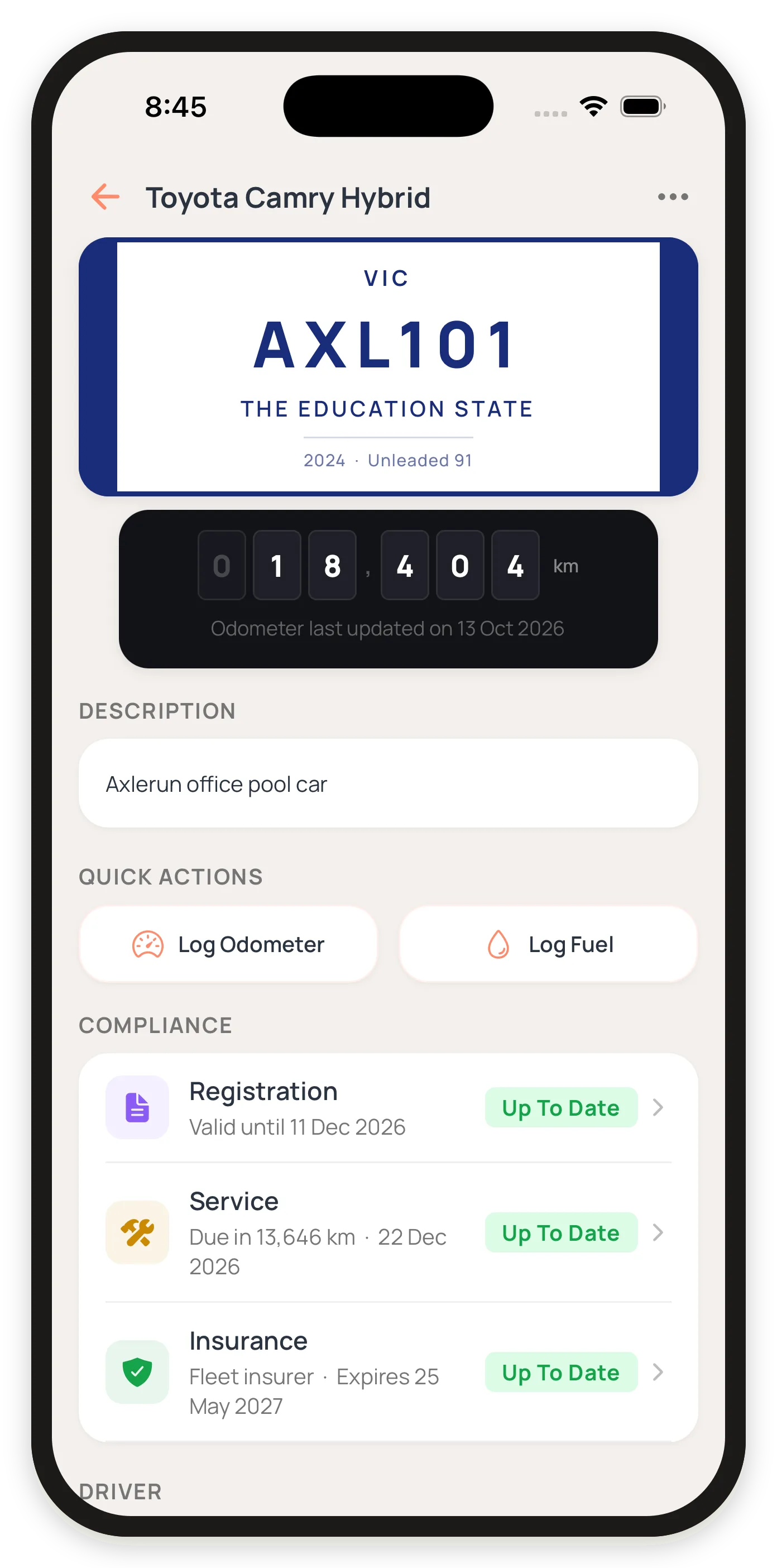

What changes when the fleet gets bigger
Rollout stops being the hard part
A rollout measured in a morning, not a quarter.
Telematics at this size is a project: a device per vehicle, an installer to fit it, vehicles off the road in turn, and a contract long enough to pay for all three. Axlerun is an app the driver installs and signs into. Adding a vehicle takes minutes, a plate lookup fills in make, model and year, and a vehicle leaving the fleet takes nothing with it. That is the difference between a rollout measured in weeks and one measured in a morning.
The fleet needs structure, not just a list
Vehicles belong to sites and budgets, not just a list.
A handful of vans fit on a list. A fleet does not. Vehicles belong to sites, each with its own time zone, and their costs belong to cost centres that someone has to report on. Axlerun records both against the vehicle, and the fleet reports show the split, so the allocation happens once rather than every month in a spreadsheet. Sites, cost centres, leases and ownership records are available on every plan, not just the top one, for owners and admins.
Oversight replaces memory
Alerts replace the person who used to remember.
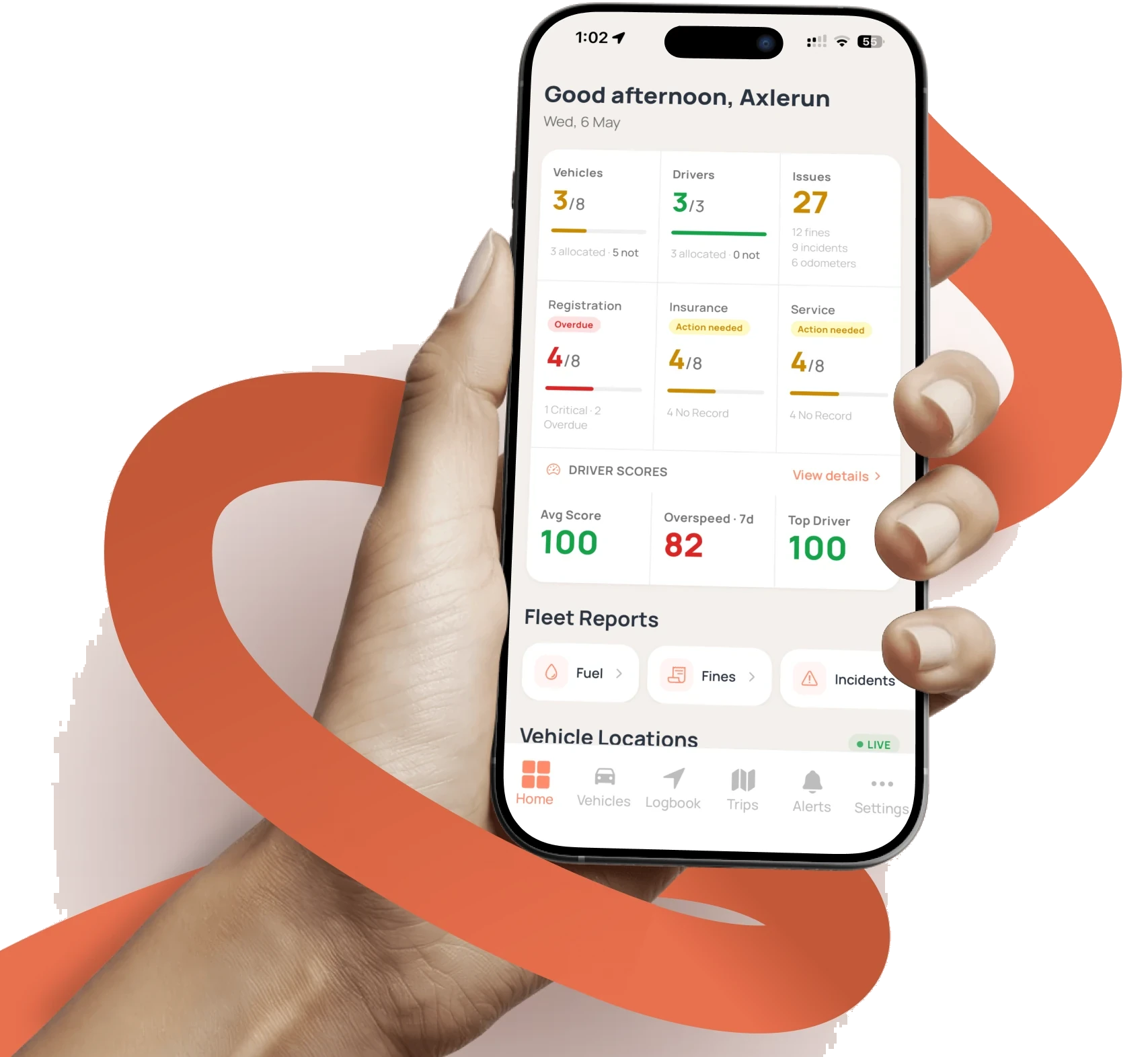
One person can hold a few vehicles in their head. Nobody holds a whole fleet. Compliance and maintenance alerts on Cruise say what is closest to lapsing across the whole fleet, and Turbo adds the latest known location of every vehicle on one map, fleet-wide trip oversight with an audit trail, driver scoring with benchmarks, and SMS alerts for the events that cannot wait for someone to open the app.
What a larger fleet gets, and on which plan
Sites and cost centres
Every plan
Record the sites your vehicles work from, each with its own time zone, and split each vehicle's costs across cost centres. Fleet reports show the split, so nobody has to reconstruct it later.
Leases and ownership
Every plan
Record how each vehicle was acquired and what it cost, then see every lease ending in the next 30 to 120 days on one screen. At this size there is always one coming.
Running costs per vehicle
Cruise
Fuel, servicing, tolls, fines, incidents, rego, insurance and inspections, rolled up per vehicle over three, six or twelve months. Cost per kilometre and the reports for your accountant sit on Cruise, as CSV or PDF, downloaded or emailed.
Pool vehicles, booked
Turbo
Drivers book a shared vehicle ahead, scan the windscreen QR to take it and return it with the odometer, with booking rules and utilisation behind it. On Cruise, drivers can claim the vehicle they are already in.
Fleet-wide oversight
Turbo
The latest known location of every vehicle on one map, fleet-wide trip oversight with an audit trail, advanced fleet and driver scoring with benchmarks, and SMS alerts for the most critical events.
FBT across the whole fleet
Cruise
Trips record themselves on every plan. On Cruise the ATO logbook exports as Excel or an ATO-ready PDF per vehicle, with the twelve-week periods ranked on evidence and any export blockers named so they can be fixed in one pass.
Every plan and what it includes is on the features and pricing page. If you are weighing this against a telematics quote, the software versus telematics page sets out where the categories divide, and the comparison pages put Axlerun against the products people actually shortlist, with every claim about a rival sourced to that vendor’s own page.
Who sees what
Four roles, set per person. Drivers never see the fleet.
Owner
Full access, including subscription, billing and team roles. There is one, and it cannot be removed from the team.
Admin
Full access, the same as the owner, without being the account holder. Can invite anyone, into any role.
Manager
The day-to-day tier. Manages vehicles, drivers and compliance and sees all fleet data, but not billing or the plan. Can invite drivers.
Driver
Logs journeys, completes checklists and sees their own assigned vehicle only. Never the fleet, the costs or the rest of the team.
Moving a larger fleet across
Nobody moves a whole fleet on a promise. Prove it on a few vehicles first, then bring the rest.
Step 1
Pilot it on a few vehicles
Every new account opens on a 30-day trial of the top plan, for three vehicles, with no credit card. Pick the three that cause the most paperwork and watch the logbook, the renewals and the running costs work on real trips before you commit the fleet.
Step 2
We move your records across
Your existing vehicle records come over from your old system or your spreadsheets. With a paid plan we do that migration at no extra cost, rather than quoting it as an onboarding fee.
Step 3
Set the structure up once
Sites, cost centres, driver roles and which modules each team sees. Half a day at the start is the difference between reporting that is right from the first month and reporting you rebuild in the sixth.
Or email hello@axlerun.com.au with your fleet size and what you need.
Common questions
Axlerun for larger fleets
Still have questions?
Contact
Available Now
Start managing your
fleet today
Start on a trial, bring the fleet across when it has proven itself.


Already a customer? Sign in on the web
app.axlerun.com.au