Fleet Safety
Fleet safety software without a camera in the cab
Speeding scored from the phone, incidents with the paperwork attached, defects reported with photos, and fines that land on a person. No hardware.
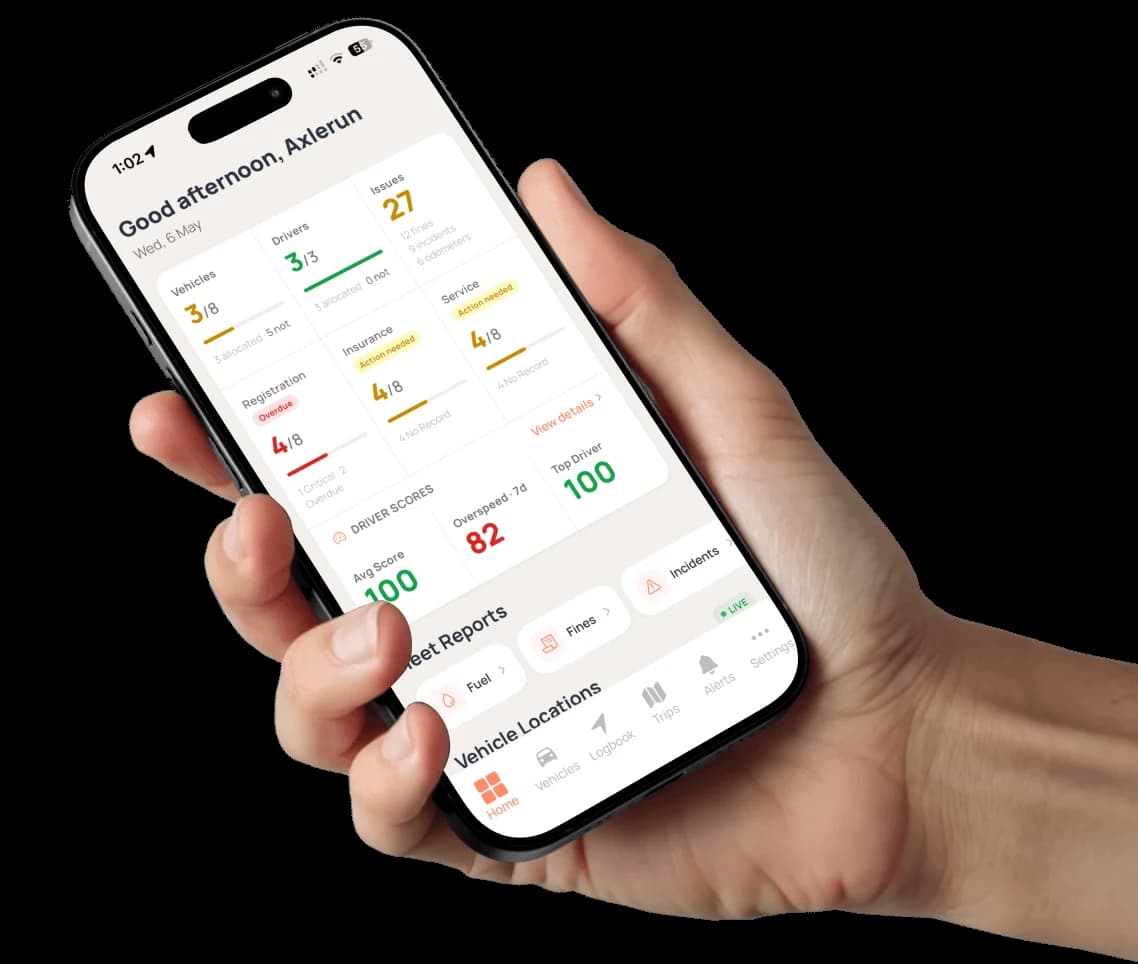
Most fleet safety products start with a dash cam and a dongle. Axlerun starts with the records a small fleet actually keeps: overspeed events scored from trips the driver's phone already records, incidents with the police report number and the insurer on one record, condition reports with photos, safety inspection certificates per vehicle, and fines assigned to whoever was driving. One Issues number on the dashboard says how much of it is still open.
Available on
 Drive· incident records, free
 Cruise· scores, defect reports, certificates, fine assignment
 Turbo· fleet benchmarks
What you get
Speeding, scored
Overspeed events are detected on recorded trips and graded low, medium or high. Each driver gets a score out of 100 with daily, weekly, monthly and average views, so a bad afternoon does not hide a good month.
Incidents with the paperwork
Date, type, location and description, then the resolution: police report number, insurer, cost, notes and the resolved date, with photos. Unresolved incidents stay in their own fleet view until someone fills in that date.
Defects, before they are incidents
Drivers record a fault with the component, category, severity and photos, and their own call on whether the vehicle is roadworthy. An owner or admin can convert a report into an incident when it turns into one.
Certificates on file
Safety inspection certificates per vehicle with the expiry, the station, the inspector and the report reference, and a countdown only where your state runs inspections on a schedule.
Fines land on a person, not a van
A fine recorded against a vehicle can be assigned to the driver who was on duty at the time, with its status tracked from issued through assigned, pending review, disputed, paid, overdue or cancelled.
One Issues number
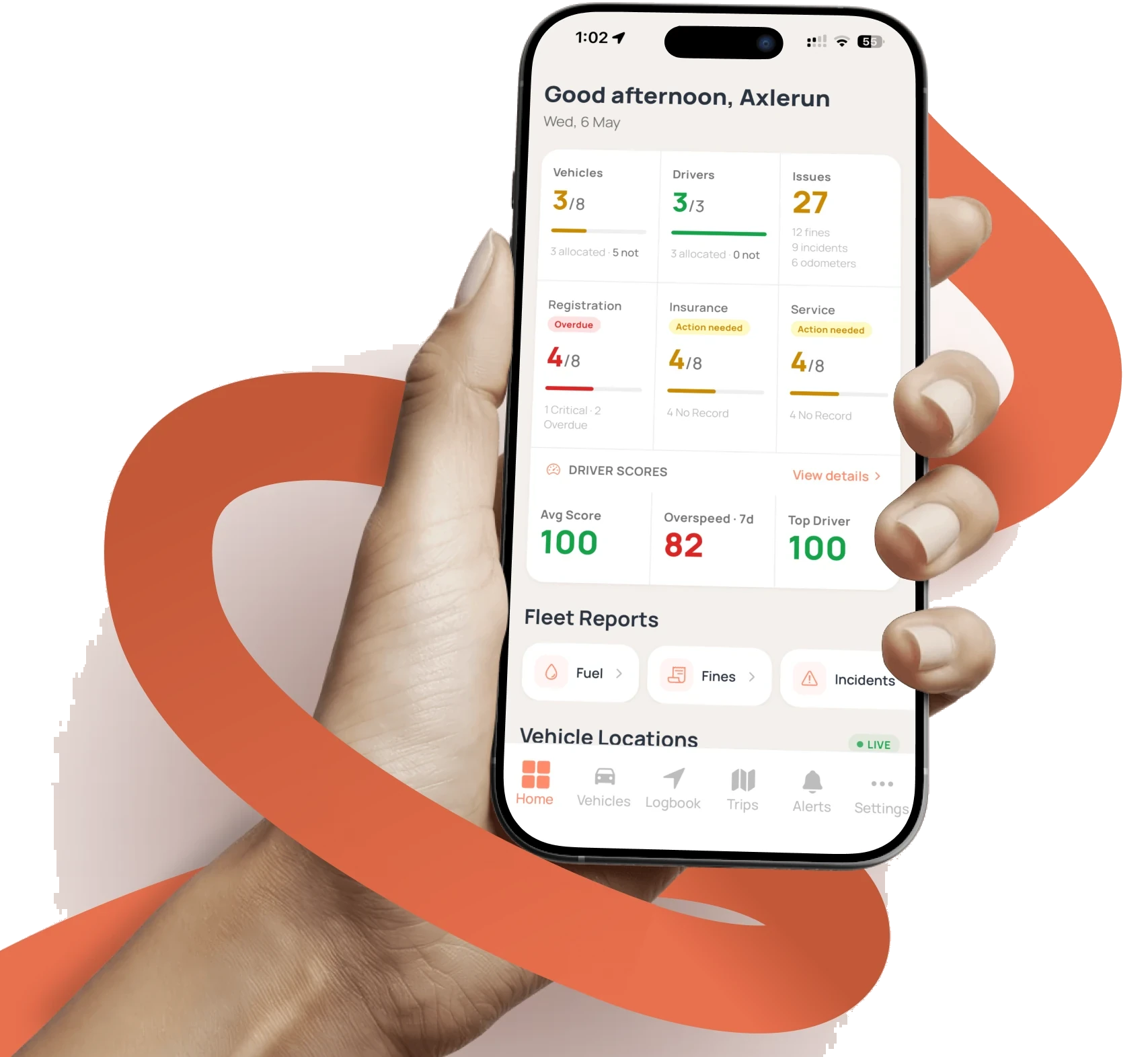
The dashboard counts unpaid fines, unresolved incidents, missing odometer readings and open condition reports into a single figure, and the Fleet Issues screen groups them so nothing is buried.
How it works
STEP 1
Trips record and score themselves
Overspeed events are graded as each trip closes, and every driver's score updates with daily, weekly, monthly and average views behind it.
STEP 2
Drivers report what they see
A condition report for a fault, an incident record for damage or a claim, with the photos attached and the resolution filled in as it happens.
STEP 3
Coach with evidence
Open the driver's score and the events behind it. On Turbo, compare against the fleet-wide benchmark rather than a gut feel.
See how it fits the rest of the platform on the Features & Pricing page.
Related
Common questions
About Fleet Safety
Still have questions?
Contact
Available Now
Start managing your
fleet today
Your first 3 vehicles are free, forever.


Already a customer? Sign in on the web
app.axlerun.com.au