Fuel & Cost Control
A fuel expense tracker that finds the cheapest fuel and the nearest EV charger
Live fuel prices and EV charging locations, in the app and on CarPlay and Android Auto, with per-vehicle cost tracking underneath.
Fuel is most fleets' biggest running cost, and prices at two servos a kilometre apart can differ by 30 cents a litre. Axlerun uses live state fuel-price data to find the cheapest fuel near each vehicle, and for electric vehicles, the nearest chargers. Drivers see it in the app or straight on the dash via CarPlay and Android Auto, and every fill-up rolls into that vehicle's running costs.
Available on


 Drive & Cruise & Turbo· in the app, on CarPlay and on Android Auto, freeCruise & Turbo· per-vehicle running costs


What you get
Fuel & EV locator, on the dash
Live fuel prices wherever a state publishes them, plus nearby EV chargers, in the app, on CarPlay and on Android Auto. Free on every plan, because the state price data has to reach drivers free of charge.
Enough detail to choose, not just to look
Each site shows its brand, the current price, when that price was last updated and how far away it is, with directions one tap away. EV chargers list their connector types, so a driver is not sent to a plug their vehicle cannot use.
Every fill, in litres or kilowatt-hours
Date, fuel type, quantity, price per unit and total, with the odometer, the station, the payment method and the receipt number if you want them. The form switches from litres to kilowatt-hours on its own for an EV.
Fleet fuel, by month
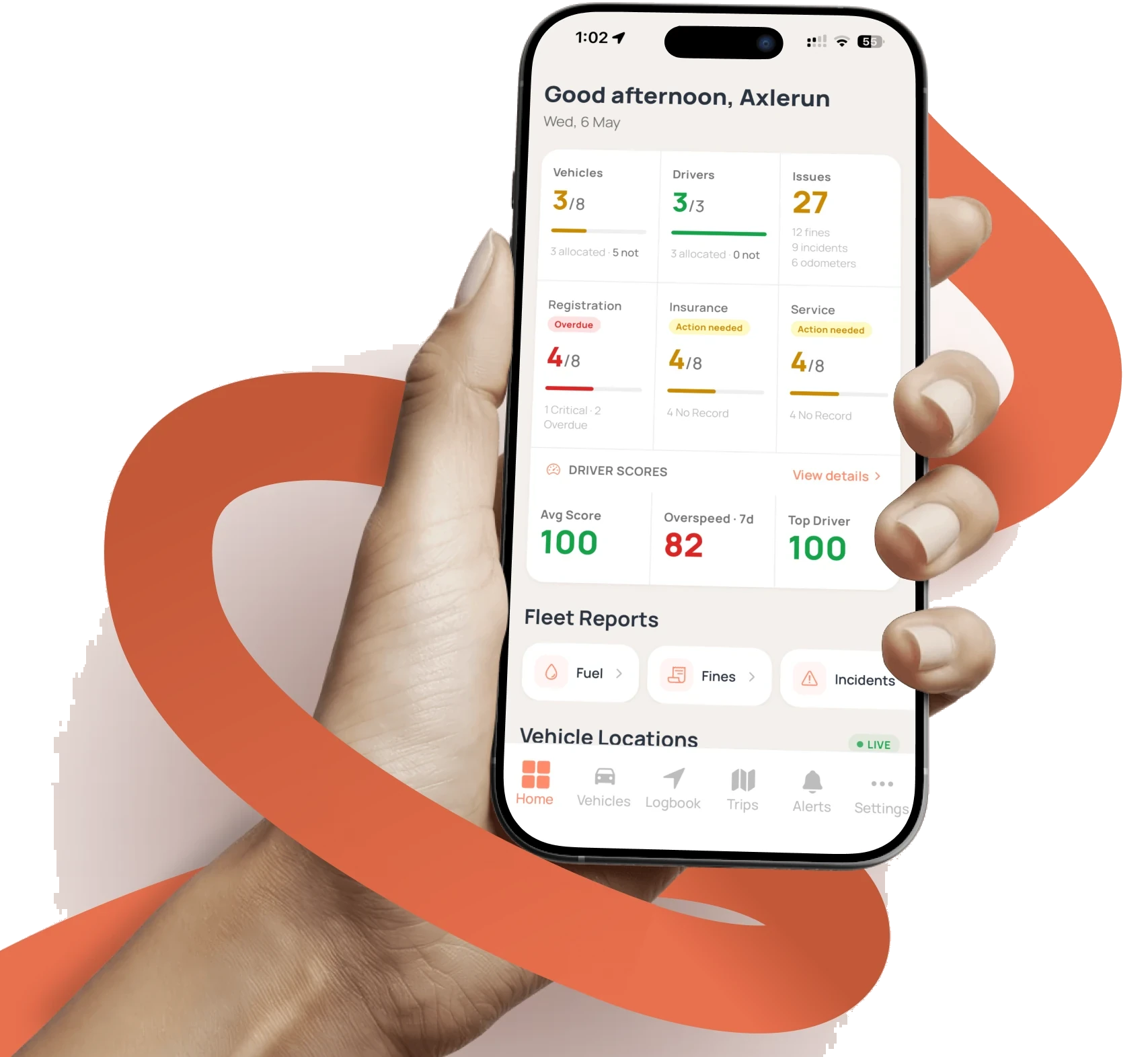
The home dashboard carries a monthly fuel spend chart across every vehicle, so the fleet's biggest running cost is a line you can read rather than a pile of receipts.
Receipts by photo
Scan Receipt fills the fuel form from a photo on any plan. On Turbo, AI reads the messier ones and files the litres, price and total against the right vehicle.
Running costs, per vehicle
On Cruise, every fill rolls into that vehicle's three, six and twelve-month running costs beside servicing, tolls and fines. The Running Costs page has the detail.
On CarPlay and Android Auto
Drivers shouldn't be squinting at a phone to find a servo. The locator lives on the dash: cheapest fuel and nearest chargers around the vehicle, with prices and one-tap directions, exactly where a driver's eyes already are.

How it works
STEP 1
Log fill-ups
Litres, price and odometer, or snap the receipt and let the form fill itself. On Turbo, AI reads the messier ones.
STEP 2
Check the locator
Before refuelling, see the cheapest fuel near each vehicle live, with the brand, the price, the distance and when the price was last updated, before anyone commits to the detour.
STEP 3
Watch the trends
Three, six and twelve-month cost trends per vehicle, always current.
See how it fits the rest of the platform on the Features & Pricing page.
Related
Common questions
About Fuel & Cost Control
Still have questions?
Contact
Available Now
Start managing your
fleet today
Your first 3 vehicles are free, forever.


Already a customer? Sign in on the web
app.axlerun.com.au