Condition Reports
A vehicle defect report app for drivers who notice things
One structured form with photos: what is wrong, how bad it is, and whether the vehicle is roadworthy. Every report from every driver in one fleet view.
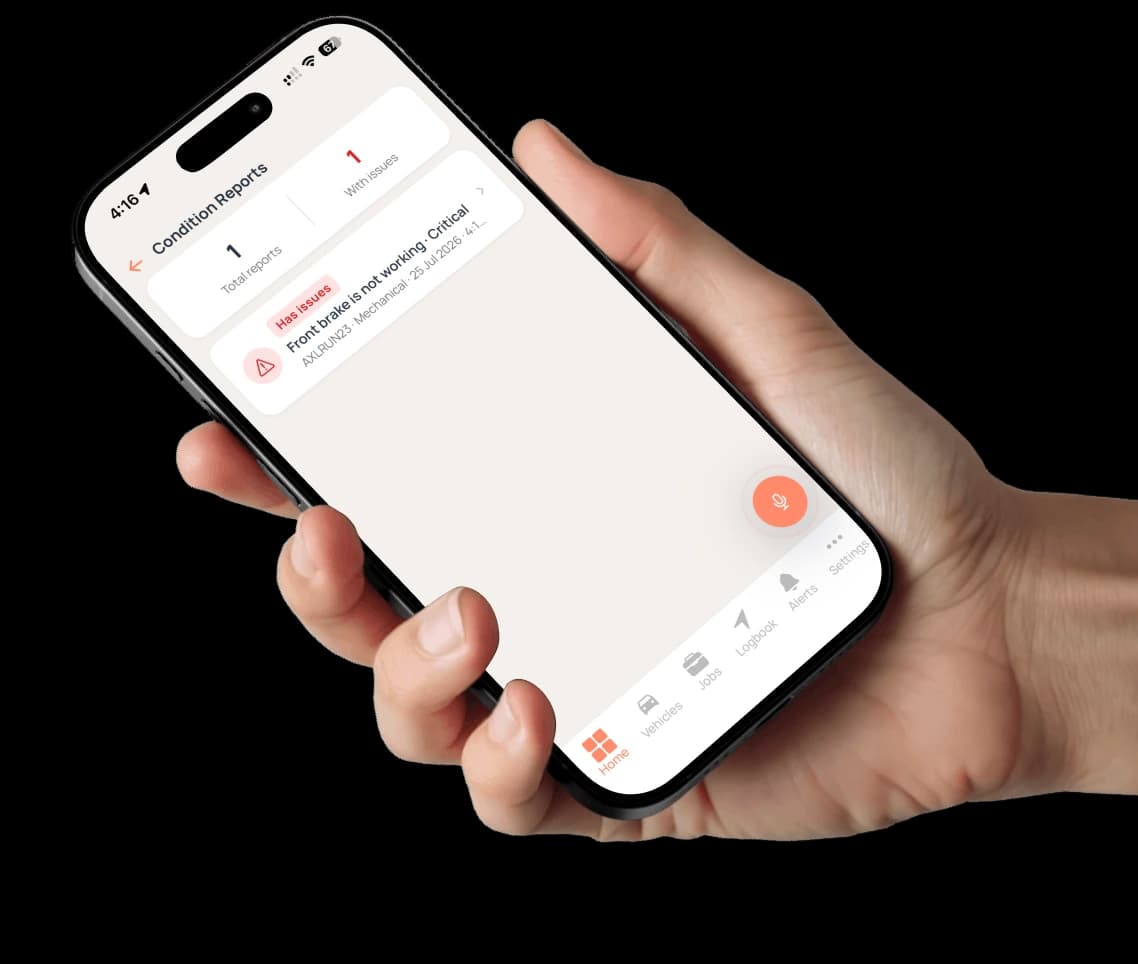
A driver spots a worn tyre, a cracked mirror, a brake that feels wrong. In most fleets that becomes a text message that gets lost. In Axlerun it becomes a dated record: the component, the defect category, the severity, the action required and the photos, with a switch for whether the driver considers the vehicle roadworthy. Owners and admins see every report from every driver in one place, open reports count as fleet issues, and a report can be turned into an incident when it becomes one.
Available on

 Cruise & Turbo
What you get
A form, not a tick-box list
Noticed at, affected component, defect category, severity, action required, likely cause and notes. It describes the fault rather than ticking boxes, so a report says what a mechanic needs to know.
The roadworthy switch
Each report carries the driver's own call on whether the vehicle is roadworthy, dated and on the record. It is their judgement, not an inspection result, and it is there when someone asks who knew what and when.
Photos are the evidence
Attach photos from the camera or the library. A dated photo of the damage settles more arguments than a description ever will.
Every driver's reports, one view
The fleet-wide Condition Reports view lists every report from every driver, with the ones that have issues flagged, so nothing sits unread on one phone.
It counts as an issue
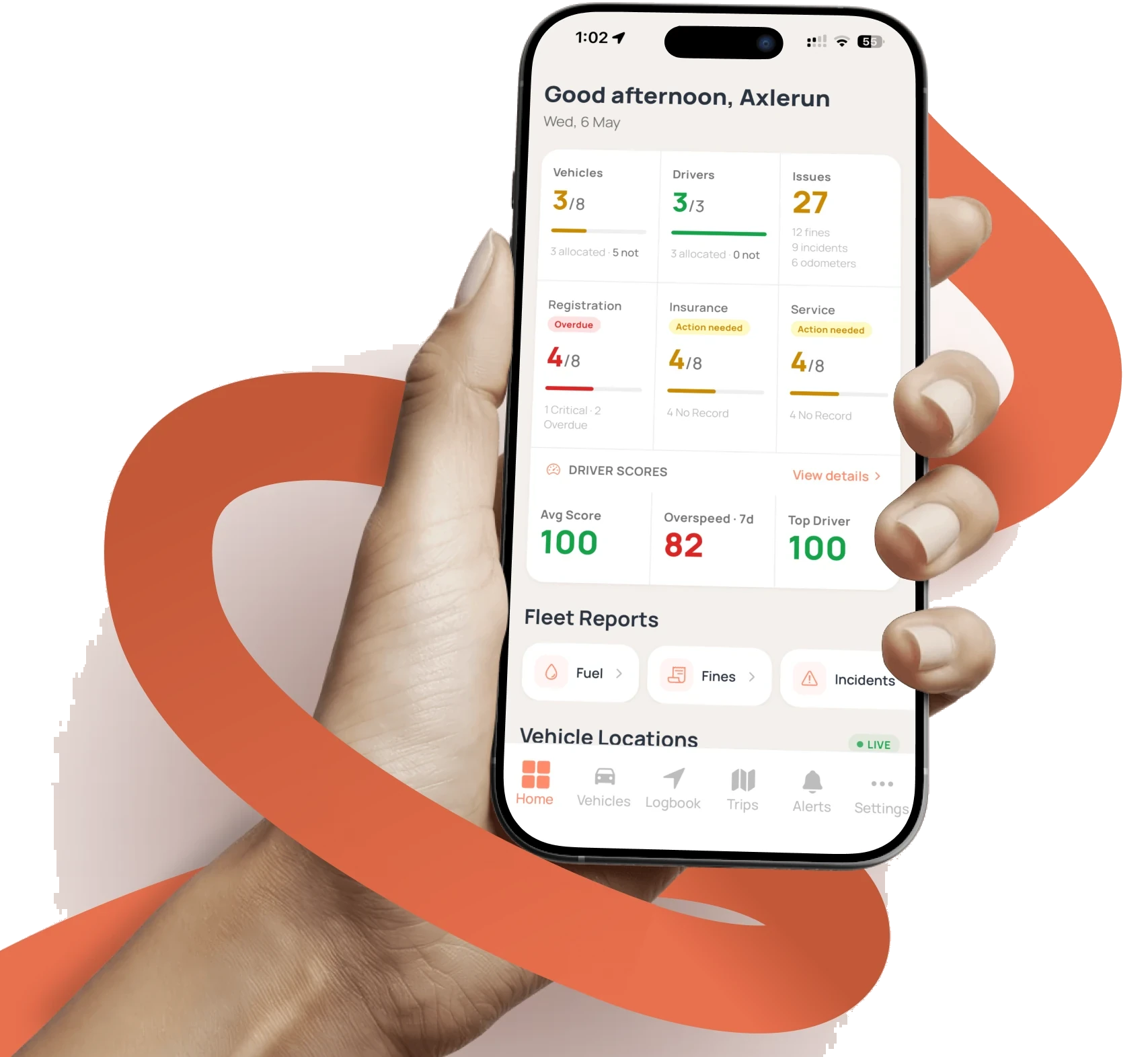
Open condition reports count toward the fleet's Issues number on the home dashboard, alongside unpaid fines, unresolved incidents and missing odometer readings.
From report to incident
When a defect turns out to be damage or a claim, an owner or admin can convert the report into an incident and carry it through to the insurer, the police report number, the cost and the resolution.
How it works
STEP 1
Notice something
From the vehicle's Manage grid, open Condition and add a report. Set when it was noticed and whether the vehicle has issues.
STEP 2
Describe it
Component, defect category, severity and the action required, then the likely cause, notes and photos. Flip the roadworthy switch if it is not.
STEP 3
Act on it
The report lands in the fleet view and the Issues count. Book the repair, log the service when it is done, or, as an owner or admin, convert the report into an incident.
See how it fits the rest of the platform on the Features & Pricing page.
Related
Common questions
About Condition Reports
Still have questions?
Contact
Available Now
Start managing your
fleet today
Your first 3 vehicles are free, forever.


Already a customer? Sign in on the web
app.axlerun.com.au