Widgets & Live Drive Card
Your fleet at a glance, before you open the app
Home-screen widgets for the logbook, compliance and scores, and a live drive card on the lock screen while a trip records.
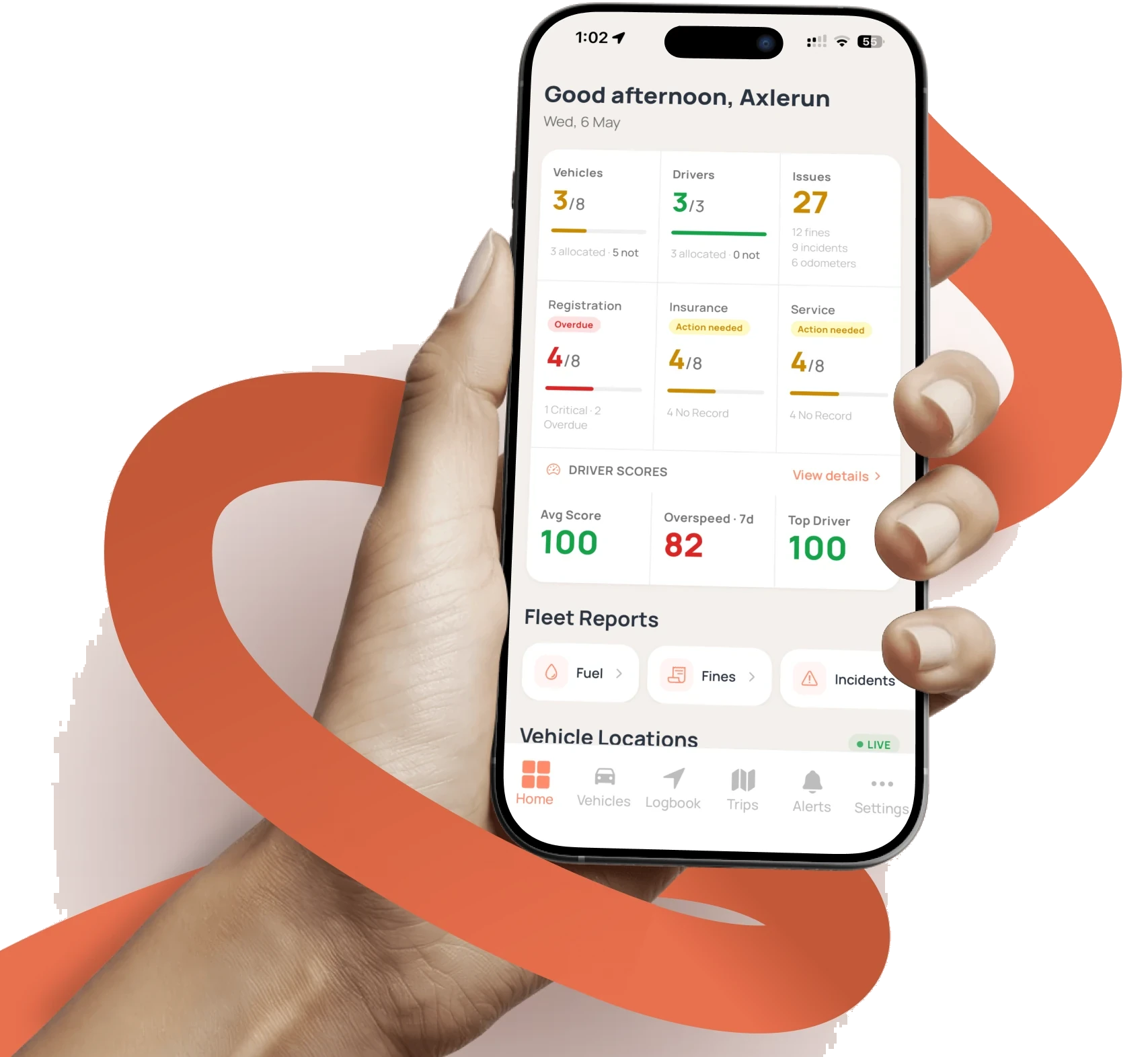
The best fleet data is the kind you don't have to go looking for. Axlerun's iOS and Android widgets put the FBT logbook's 12-week progress, per-vehicle compliance countdowns, trips waiting to be classified and the latest driver score straight on the home screen, and while a trip is recording, a live drive card sits on the lock screen with distance and speed ticking in real time.
Available on
 Drive· live drive card, free
 Cruise & Turbo· + home-screen widgets
What you get
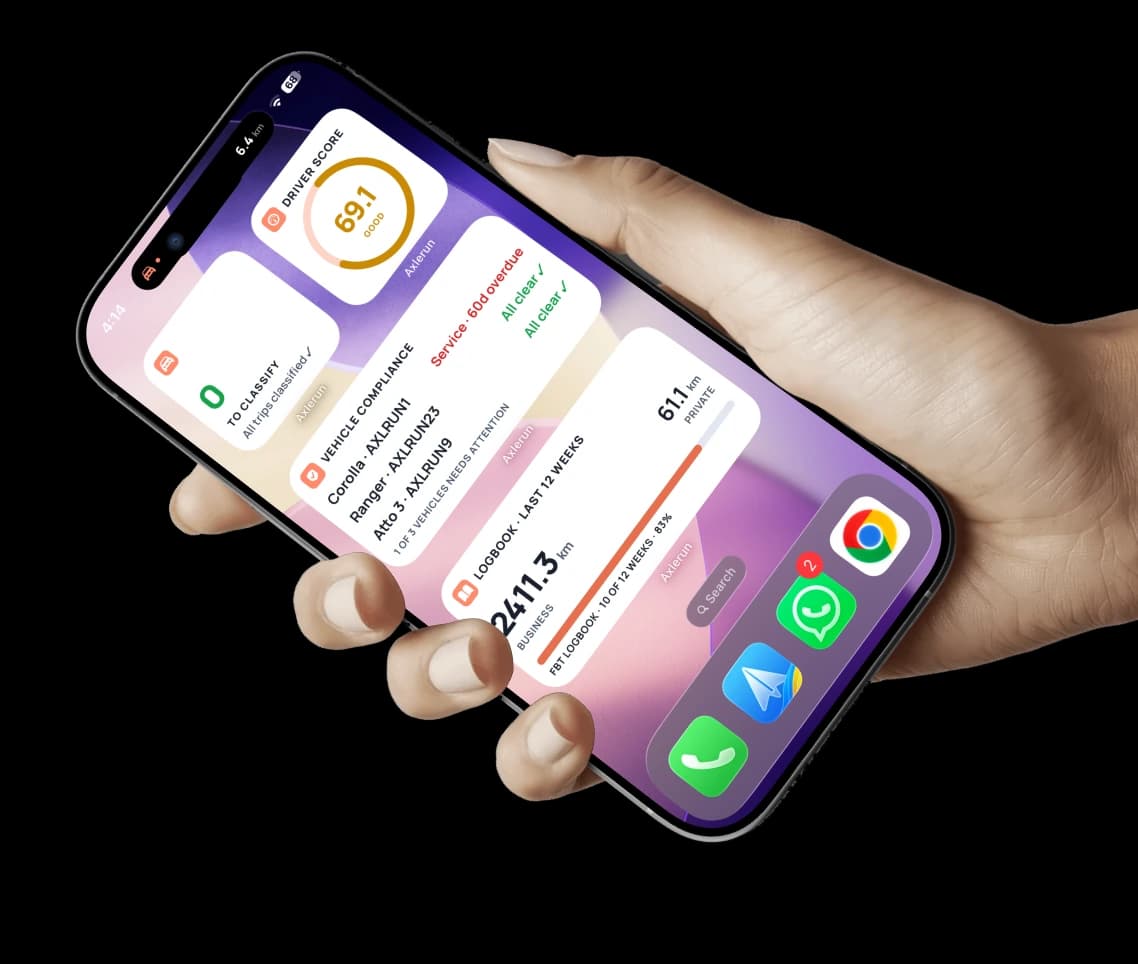
Logbook & FBT progress
Business vs private kilometres and 12-week FBT logbook progress, visible every time you unlock the phone.
Compliance countdowns
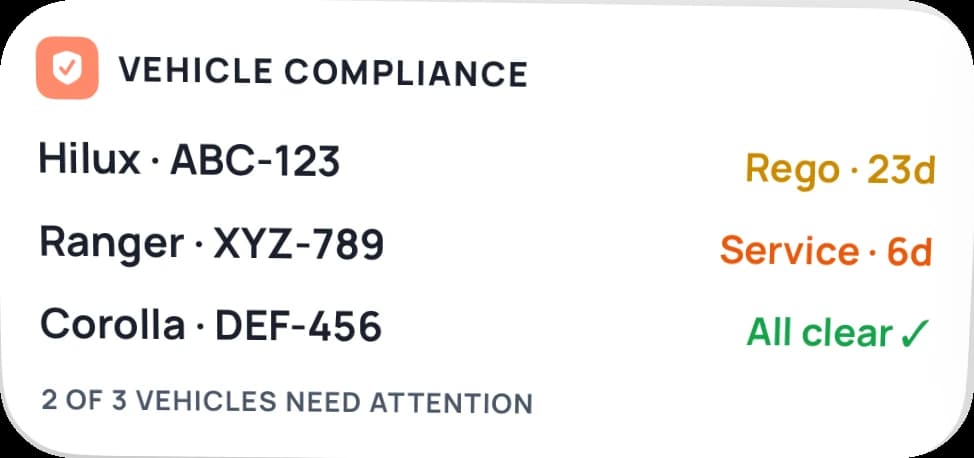
Per-vehicle rego, service and insurance status: the overdue one turns red before it becomes a fine.
Scores and trips to classify
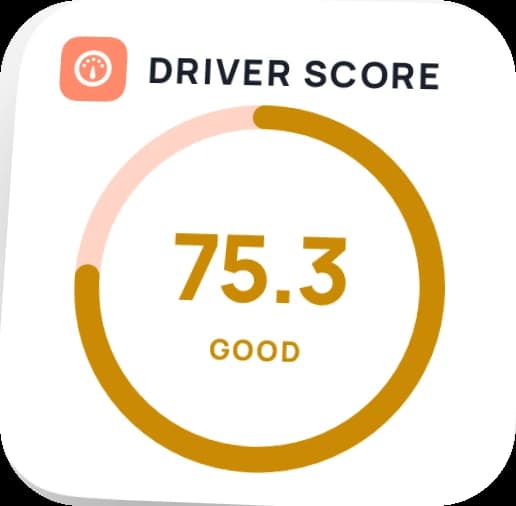
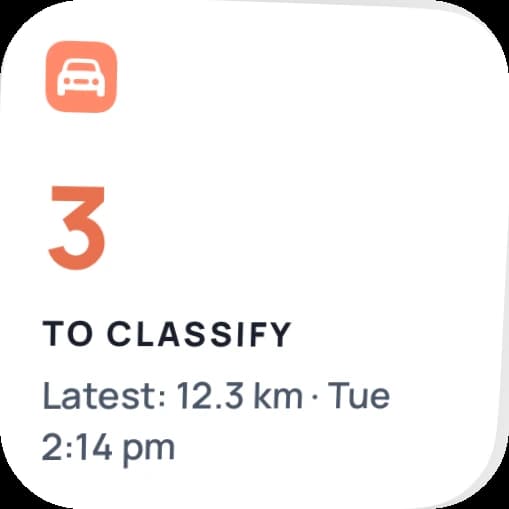
The latest driver score gauge and a count of unclassified trips, so nothing piles up.
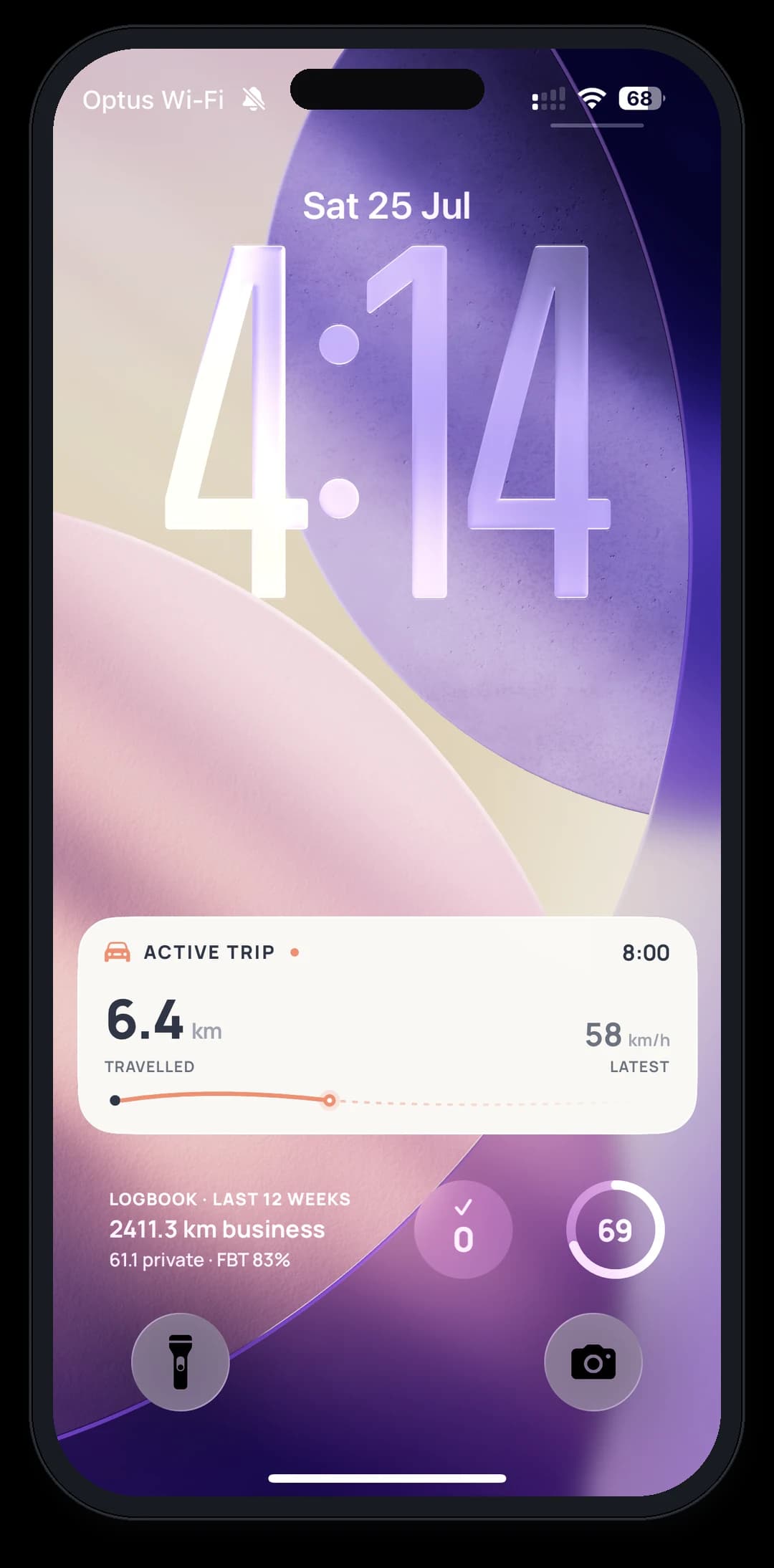
The live drive card
Switch it on in Settings and, while a trip records, an Active Trip card sits on the lock screen: distance travelled and latest speed, live. iOS Live Activity and Android Live Update, on every plan including free Drive.
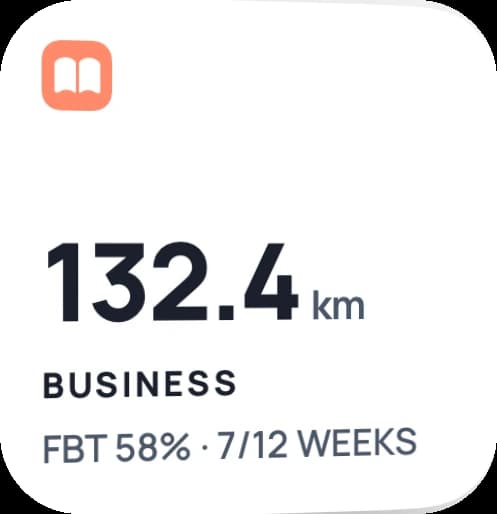
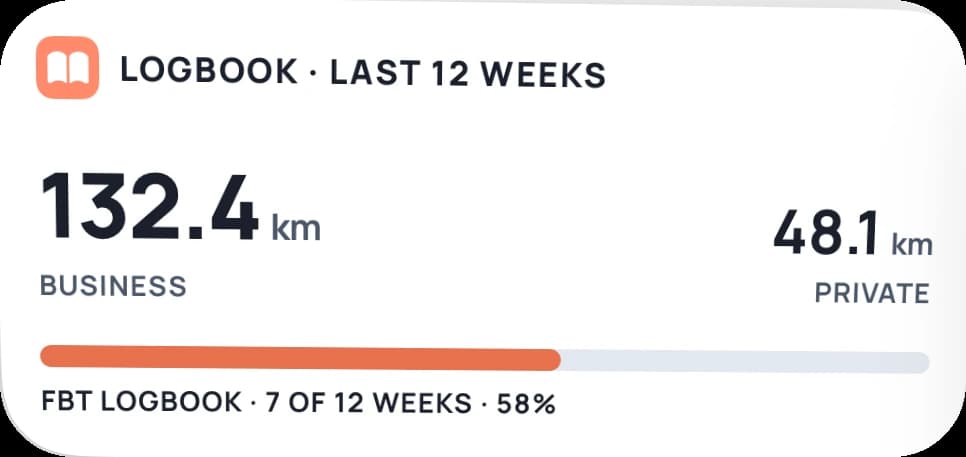
A widget for every job
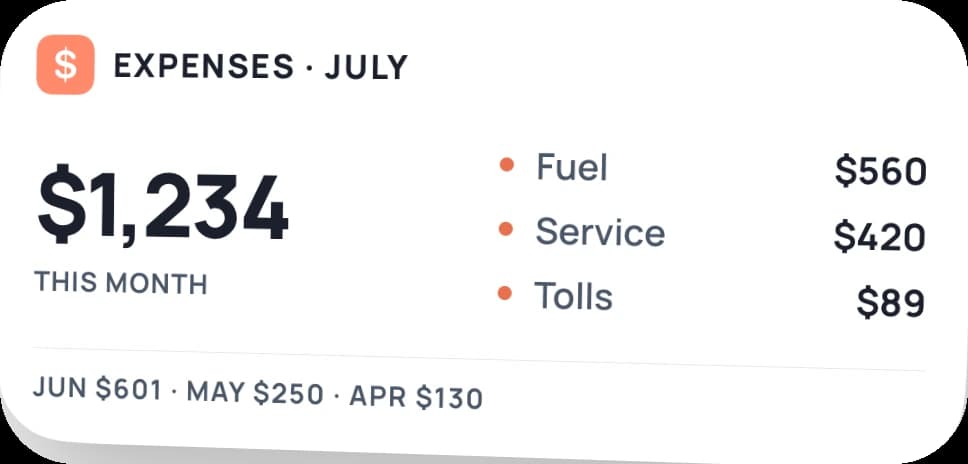
Six widgets, small and wide: pick the ones that matter to you and put them straight on the home screen.
How it works
STEP 1
Add the widgets
Straight from the iOS or Android widget gallery, pick the ones that matter to you.
STEP 2
Drive
Trips record in the background; the live drive card appears on the lock screen.
STEP 3
Glance
Logbook, compliance and scores stay current on the home screen, no app-opening required.
See how it fits the rest of the platform on the Features & Pricing page.

Available Now
Start managing your
fleet today
Your first 3 vehicles are free, forever.


Already a customer? Sign in on the web
app.axlerun.com.au